Whether you're planning your next overland adventure or navigating remote trails in real-time, having the right navigation tools can make the difference between a successful journey and getting lost. This guide covers essential apps and resources for both trip planning and on-trail navigation.
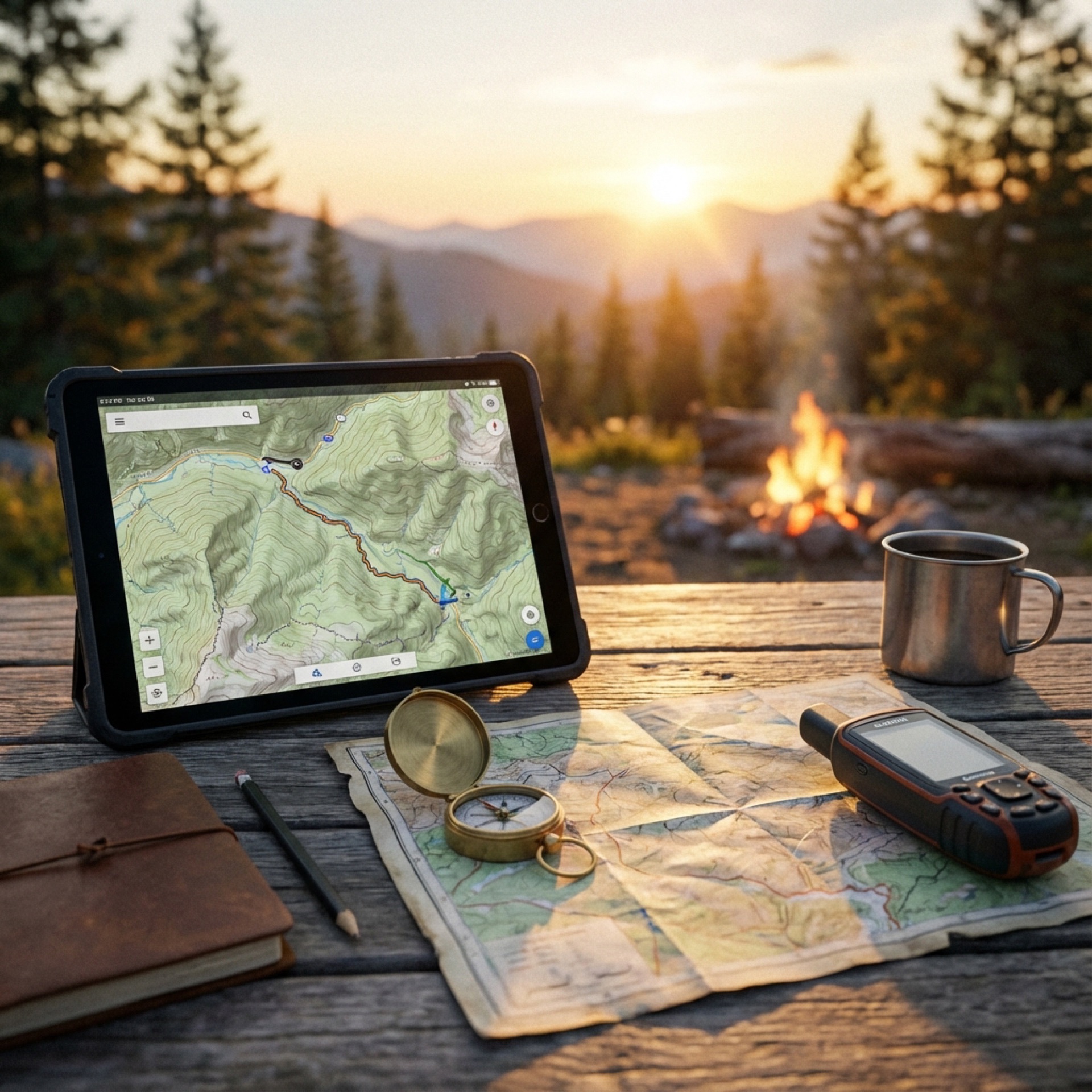
Trip Planning Recommendations
Plan on a laptop, execute on mobile
Do the heavy thinking on a big screen where you can compare multiple map sources, evaluate terrain, and organize files. Phones and tablets are for navigation in the field, not for first-pass planning.
Segment your routes so plans can bend without breaking
Build day-based and purpose-based GPX files (main route, alternates, spurs, bailouts). Segmentation makes rerouting easier and prevents a single change from cascading into confusion.
Trust official maps for legality, not just convenience apps
Use tools like Avenza with official GeoPDFs (NPS, BLM, USFS) to confirm what is actually open and legal. When maps disagree, default to the land manager’s published data (and MVUMs where applicable).
Plan fuel to the shortest-range vehicle, with margin
Convoy trips succeed when everyone plans around the weakest link. Account for off-road fuel penalties, arrive at fuel with reserve, and avoid route legs that assume perfect conditions.
Choose camps that support tomorrow, not just tonight
The best camps aren’t just scenic — they position you well for the next day’s route, fuel access, and daylight. Always identify a primary and backup option.
Build offline redundancy and assume zero connectivity
Download maps, routes, and PDFs ahead of time in multiple apps. Carry paper references when possible. If your plan depends on cell service, it’s not done yet.
Plan bailouts as deliberately as the main route
Every day should have at least one realistic exit option for weather, mechanical issues, or timing drift. Good planning gives you options; bad planning forces decisions.
Use hard-copy paper maps as a planning and field backup
Paper maps provide big-picture context, don’t require batteries, and are often the quickest way to sanity-check your position and options. Good sources include park/forest visitor centers, BLM field offices, USFS ranger stations, and AAA (especially for state/regional road maps and TripTiks). Pick up local maps when you arrive—agency offices often have the most relevant, current coverage for that area.
General Navigation Apps
Google Maps
Website: https://maps.google.com
The go-to for road navigation and urban areas. While excellent for highway routing and finding services, it has limited usefulness for backcountry and dispersed camping areas. Download offline maps before heading into areas with poor cell coverage.
Apple Maps
Website: https://www.apple.com/maps/
Similar to Google Maps with improving coverage and detail. Integrates seamlessly with iOS devices and offers offline map downloads. Good for general navigation but limited for off-road adventures.
Waze
Website: https://www.waze.com
Community-driven navigation app excellent for real-time traffic updates, road hazards, and police alerts on paved roads. Best used for the highway portions of your journey rather than off-pavement exploration.
CalTrans Quick Map
Website: https://quickmap.dot.ca.gov
Essential for California travelers, providing real-time information on road conditions, closures, construction, and chain requirements. Critical for planning routes through mountain passes and avoiding delays.
Overland Bound
Website: https://www.overlandbound.com
Built specifically for the overlanding community, this app connects travelers with routes, campsites, and community-shared waypoints. Features rally points, member meetups, and curated overland routes.
Specialized Offline Navigation Tools
Organic Maps (Free)
Website: https://organicmaps.app
Best for: Privacy-conscious users who need reliable offline navigation
A completely free, open-source offline navigation app powered by OpenStreetMap data. Download entire regions before your trip and navigate without any internet connection. The app doesn't track your location or collect personal data, making it ideal for those who value privacy. Perfect for international travel and remote areas where data costs are prohibitive or service is unavailable.
Avenza Maps (Free + Premium Maps)
Website: https://www.avenza.com
Best for: Professional-grade georeferenced maps and specialized area coverage
Uses high-quality GeoPDF maps that maintain geographic accuracy and detail. The built-in map store offers thousands of free and low-cost maps covering everything from national parks to forestry roads. Your device's GPS works even without cell service, allowing you to see your exact position on detailed maps. Additional features include:
- Drop pins and waypoints
- Record GPS tracks
- Measure distances and areas
- Add geotagged photos
- Import custom maps
Popular with search and rescue teams, hunters, and professional field workers due to its reliability and precision.
Premium Navigation Platforms
GAIA GPS ($60/year)
Website: https://www.gaiagps.com
Best for: Serious backcountry explorers who want comprehensive mapping layers
A powerful mapping platform used by hikers, off-roaders, skiers, and pilots. Offers extensive topographic maps including USGS quads, National Geographic Trails, satellite imagery, and weather overlays. Key features:
- Full offline functionality using your phone's GPS chip
- Sync between mobile app and web platform for desktop planning
- Record and analyze tracks
- Create and share routes
- Multiple map layer overlays for detailed terrain analysis
- Weather and avalanche forecast layers
The web-based planning tools make GAIA particularly valuable for complex trip preparation, allowing you to study terrain, identify camping spots, and plan routes on a large screen before downloading everything to your phone.
📍 Want to master Gaia GPS for overlanding?
Check out our comprehensive guide with tips and tricks specifically for overlanders.
View Gaia GPS Tips & TricksCalTopo ($20/year for Pro)
Website: https://caltopo.com
Best for: Technical route planning and professional applications
Trusted by search and rescue teams, wildland firefighters, and backcountry professionals. Offers sophisticated mapping tools with various layer options including slope angle shading, forest service roads, and weather forecasts. Features include:
- Advanced route planning with elevation profiles
- Print custom maps at any scale
- Download maps and layers for offline use
- Record GPS tracks
- Professional-grade analysis tools
The low annual cost makes CalTopo's Pro version an excellent value for overlanders who appreciate detailed planning tools without a hefty subscription.
onX Offroad (Pricing varies by plan)
Website: https://www.onxmaps.com
Best for: Comprehensive off-road trail navigation with land ownership data
onX Offroad is a premium GPS app specifically designed for off-road enthusiasts, offering detailed trail maps, vehicle-specific routes, and critical land ownership boundaries. Key features include:
- Extensive trail database with difficulty ratings and user reviews
- Real-time GPS tracking with offline map downloads
- Property boundary overlays showing public vs. private land
- Waypoint marking and track recording
- Integration with onX Hunt and onX Backcountry for multi-use planning
- Trail condition updates from the community
- 3D mapping for terrain visualization
Particularly valuable for overlanders who need to know exactly where they can legally travel and camp, with continuously updated trail information and a robust community of off-road users.
Trails Offroad (Subscription-based)
Website: https://www.trailsoffroad.com
Best for: Curated off-road trail guides and trip planning
A comprehensive platform featuring professionally curated off-road trails across North America. The app provides detailed trail guides created by experienced overlanders and off-road enthusiasts. Features include:
- Detailed trail descriptions with difficulty ratings
- Turn-by-turn navigation for off-road routes
- Points of interest including camping, obstacles, and scenic viewpoints
- Offline map downloads for remote trail access
- Photo galleries and user reviews
- Trail conditions and seasonal information
- Integration with popular navigation apps
- Trip planning tools with multi-day route options
Excellent for overlanders who want expertly vetted trail information rather than user-generated content alone, with an emphasis on quality over quantity.
Trail Guides & Route Libraries
Overland Trail Guides (OTG) (Guide purchases vary)
Website: https://www.overlandtrailguides.com/
Best for: Detailed, trip-ready route guides with downloadable GPX tracks
Overland Trail Guides (OTG) provides curated overland route guides that typically include planning notes, points of interest, and downloadable GPS data you can load into apps like GAIA GPS, onX Offroad, CalTopo, or your in-vehicle GPS. It’s a strong option when you want a structured route package rather than piecing together tracks and notes from multiple sources.
Common inclusions (varies by guide):
- GPX tracks/waypoints for navigation
- Route descriptions and key junction notes
- Highlights, obstacles, and “don’t miss” POIs
- Suggested camping areas and logistics considerations
- Seasonal/access considerations and responsible travel guidance
Pro tip: Treat OTG as your “route source,” then choose your preferred navigation app (GAIA/onX/CalTopo) as the tool you actually navigate with offline.
Campsite Discovery Apps
Campsite
Website: https://www.campsite.app
Best for: Finding free and dispersed camping on public lands
Focuses on helping adventurers discover camping opportunities on BLM (Bureau of Land Management) and USFS (US Forest Service) lands, as well as established campgrounds and RV parks. Features include:
- Offline maps for areas without cell service
- 3D terrain views for site scouting
- Custom map layers
- Community reviews and photos
- No expensive paywall blocking essential features
Particularly valuable for overlanders seeking free camping options and wanting to avoid crowded commercial campgrounds.
Camp like a Pro (Free - Eastern Sierra Region)
Website: https://monocounty.ca.gov/camping
Best for: Responsible dispersed camping in California's Eastern Sierra
Specifically designed for camping in Mono and Inyo Counties, this free app helps visitors find legal dispersed camping spots while protecting the environment. Features include:
- Interactive maps showing legal camping areas
- Clear land boundary designations (National Forest, BLM, private property)
- Fire restriction alerts
- Leave No Trace education
- Offline functionality
Essential for anyone camping in the Eastern Sierra to prevent environmental damage and ensure you're camping legally.
Agency-Specific Apps and Resources
Outer Spatial (California State Parks + Other Agencies)
Website: https://www.outerspatial.com
Provides detailed, interactive maps and information for state parks and recreation areas. Features include:
- Curated trail guides
- Real-time alerts and closures
- Event information
- Offline maps
- Accessibility filters
- Community sharing features
National Forest Service (NFS) App
Website: https://www.fs.usda.gov/visit/maps
Official app for National Forest information, including:
- Trail information and conditions
- Recreation area details
- Permits and regulations
- Current fire restrictions
National Park Trail Guide & NPS Apps
Website: https://www.nps.gov/subjects/digital/nps-apps.htm
Official apps for National Park Service properties offering:
- Detailed trail maps and descriptions
- Park information and visitor services
- Audio tours and ranger programs
- Real-time alerts
Essential Websites
BLM.gov - Georeferenced PDF Maps
Website: https://www.blm.gov/maps
Navigate to: Visit → Maps → Georeferenced PDF Maps
Download official BLM maps that can be imported into apps like Avenza. These maps show:
- Land ownership boundaries
- Roads and trails
- Camping areas
- Points of interest
These georeferenced PDFs are free and provide authoritative information about public land access.
Discontinued but Still Available
Maplets (Limited Availability)
Previously popular app for downloading and using specialized paper maps offline. While discontinued on major app stores, it may still be available on Amazon's app store for Fire devices. Was particularly valued for:
- Converting static maps into GPS-enabled tools
- Detailed local maps for national parks and recreation areas
- Navigation in areas where standard GPS struggled
Building Your Navigation Kit
For Day-to-Day Driving:
- Google Maps or Apple Maps (with offline maps downloaded)
- Waze (for traffic and road conditions)
- CalTrans Quick Map (California travelers)
For Trip Planning:
- GAIA GPS, CalTopo, onX Offroad, or Trails Offroad (desktop/web interface)
- BLM.gov for land ownership maps
- Campsite or Camp like a Pro for camping locations
For Off-Road Navigation:
- GAIA GPS, CalTopo, onX Offroad, or Trails Offroad (primary navigation)
- Avenza Maps (specialized map overlays)
- Organic Maps (backup system)
- Overland Bound (community routes)
For Public Land Camping:
- Campsite (general US/Canada coverage)
- Camp like a Pro (Eastern Sierra)
- Outer Spatial (State Parks)
- Agency apps (NFS, NPS)
Pro Tips
- Always have a backup: Download offline maps in multiple apps before leaving cell coverage. Technology fails, so redundancy is critical.
- Test before you go: Familiarize yourself with each app's interface at home, not when you're lost on a forest road.
- Battery management: GPS drains batteries quickly. Carry external battery packs and consider a 12V phone charger for your vehicle.
- Paper maps still matter: Carry physical maps of your area. They don't need batteries and provide context that phone screens can't match.
- Update before departure: Download the latest map data and check for app updates before leaving home.
- Know land ownership: Understanding whether you're on BLM, Forest Service, State, or private land is essential for legal camping and access.
- Share your plans: Use apps that allow route sharing with family or friends. Let someone know where you're going and when you expect to return.
- Respect closures and restrictions: Always check for current fire restrictions, seasonal closures, and permit requirements before heading out.
Safe travels and happy exploring!